
總覽
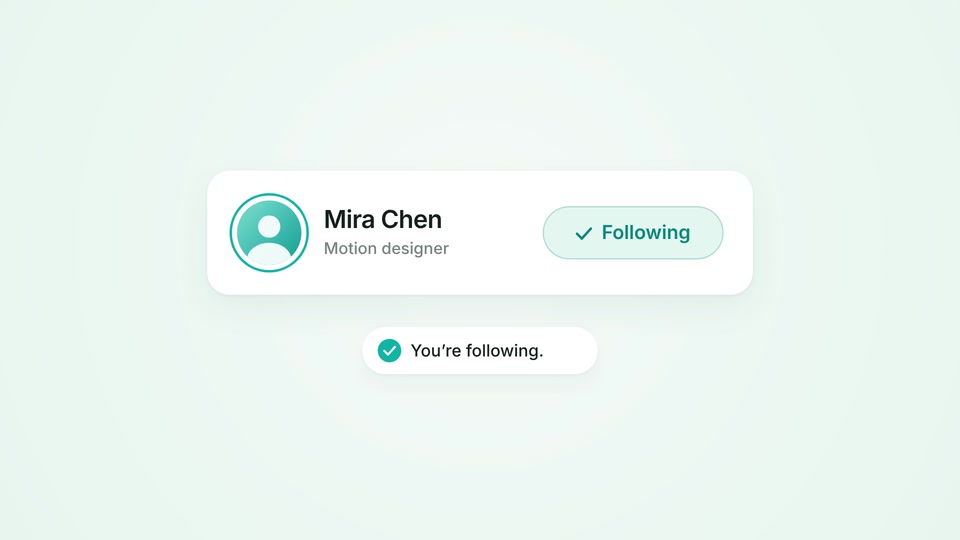
游標追蹤一個虛構個人檔案。按鈕按下後展寬為「追蹤中」,勾選符號畫出、頭像外圈完成,確認訊息從卡片下方升起。這是算圖產出的介面示範,不會執行真實社群操作。
動態解析
- 0–1.8s
1. 點擊前的預備
游標沿輕柔弧線靠近並短暫停留,按鈕進入懸停狀態。
- 1.8–3.0s
2. 確認回應
按下時按鈕微縮,柔和漣漪擴散,文字變為帶有勾選符號的「追蹤中」,確認訊息彈出。
- 3.0–8s
3. 停留與重置
游標移開,結果保持清楚,最後回到「追蹤」狀態以進入下一次循環。
開啟場景
下載並解壓縮專案,再以已安裝的 Mografy CLI 開啟。
下載場景專案mografy dev ./follow-interaction在 Mografy 原始碼儲存庫中,同一個專案位於 examples/follow-interaction。動畫程式碼放在 scenes/main.ts ,輔助函式位於 scenes/kit.ts。ZIP 內含 Inter 字型檔與授權文件。
原始提示詞
閱讀創作需求
Create an 8-second motion design demo showing a satisfying interface interaction. Use a pale-mint background, white UI surfaces, dark typography, and teal #12B5A5 accents. Center one clearly readable “Follow” button with a small profile avatar. A cursor approaches the button, pauses briefly, and clicks. Show a subtle press response, then smoothly transform the button into a “Following” state with a checkmark. A small confirmation message appears beneath it: “You’re following.” Coordinate the cursor, button response, and confirmation so the cause and effect are immediately clear. Use restrained spring motion and a few small secondary accents. Hold the result, then reset smoothly for looping. Avoid full application screens, multiple competing interactions, large confetti bursts, and excessive text. Do not include video controls, website card labels, or audio.