
Overview
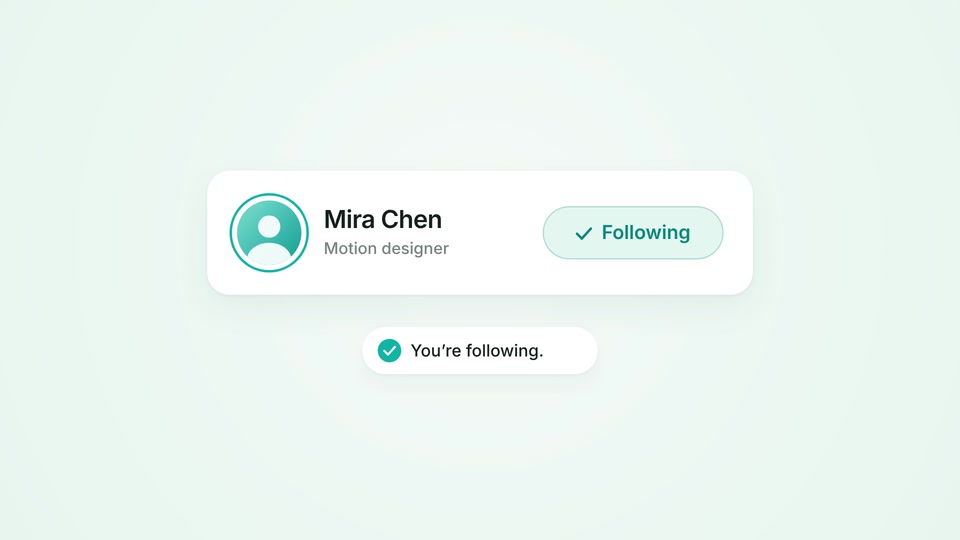
A cursor follows a fictional profile. The button presses, widens into a confirmed Following state as a checkmark draws on, a ring completes around the avatar, and You’re following. rises beneath the card. This is a rendered UI demonstration, not a live social action.
Motion breakdown
- 0–1.8s
1. Anticipate the click
The cursor approaches on a gentle arc and pauses while the button lifts into its hover state.
- 1.8–3.0s
2. Confirm the response
The press compresses the button, a soft ripple spreads, the label turns to Following with a check, and the confirmation springs up.
- 3.0–8s
3. Hold and reset
The cursor steps aside, the result stays readable, then everything returns to Follow for the next loop.
Open the scene
Download and unzip the project, then open it with your installed Mografy CLI.
Download scene projectmografy dev ./follow-interactionIn the Mografy source repository, the same project lives at examples/follow-interaction. Animation code stays in scenes/main.ts with its helpers in scenes/kit.ts. The ZIP includes the Inter font files and license.
Original prompt
Read the creative brief
Create an 8-second motion design demo showing a satisfying interface interaction. Use a pale-mint background, white UI surfaces, dark typography, and teal #12B5A5 accents. Center one clearly readable “Follow” button with a small profile avatar. A cursor approaches the button, pauses briefly, and clicks. Show a subtle press response, then smoothly transform the button into a “Following” state with a checkmark. A small confirmation message appears beneath it: “You’re following.” Coordinate the cursor, button response, and confirmation so the cause and effect are immediately clear. Use restrained spring motion and a few small secondary accents. Hold the result, then reset smoothly for looping. Avoid full application screens, multiple competing interactions, large confetti bursts, and excessive text. Do not include video controls, website card labels, or audio.